

TLS is enabled by default for all Upstash Redis databases.
1
Create a new project
Create a new project by running
bun init:terminal
2
Create an Upstash Redis database
Go to the Upstash dashboard and create a new Redis database. After completing the getting started guide, you’ll see your database page with connection information.The database page displays two connection methods; HTTP and TLS. For Bun’s Redis client, you need the TLS connection details. This URL starts with 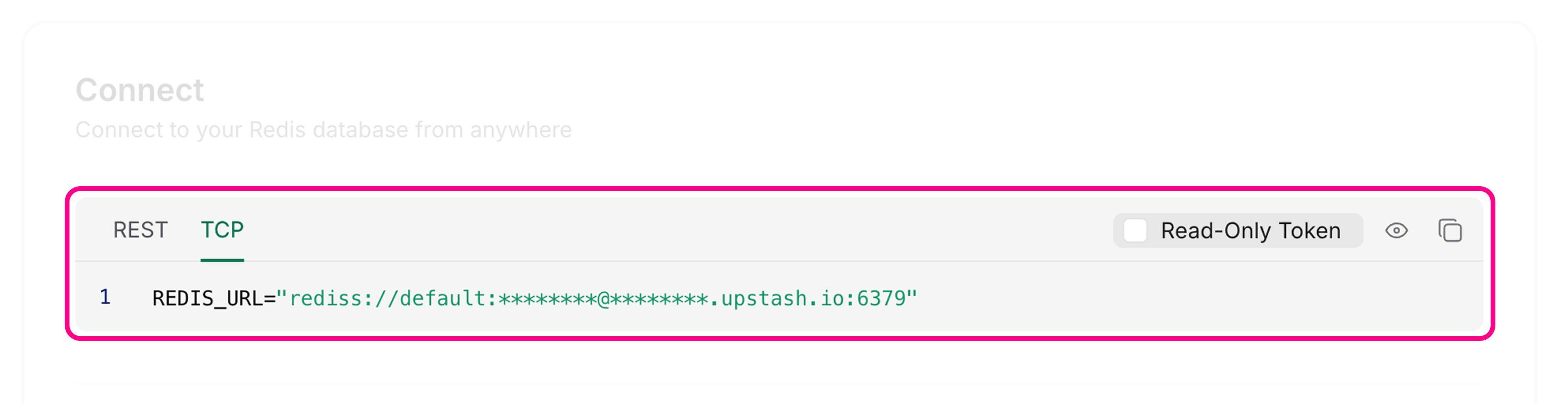
rediss://.3
Connect using Bun's Redis client
You can connect to Upstash by setting environment variables with Bun’s default Bun’s Redis client reads connection information from Alternatively, you can create a custom client using
redis client.Set the REDIS_URL environment variable in your .env file using the Redis endpoint (not the REST URL):.env
REDIS_URL by default:index.ts

RedisClient:index.ts
4
Use the Redis client
You can now use the Redis client to interact with your Upstash Redis database:The Redis client automatically handles connections in the background. No need to manually connect or disconnect for basic operations.
index.ts